01 / Select
Start with your screenshots.
Choose 2–20 overlapping screenshots. Put them in reading order, from top to bottom, and replace or remove any you don’t need.
Seamless / Screenshot stitching
Turn overlapping screenshots into one continuous image. Keep a conversation, save a useful thread, or share the details—without sending a stack of screenshots.
Coming soon · Apple iPhone · iOS 18 or later

Bring it together
One image is easier to follow.
A conversation that spans several screens. Instructions you want to keep. A thread worth sharing. Seamless finds the overlap between screenshots and joins them from top to bottom.
Your selected order stays yours. Preview the result, inspect the joins, then save to Photos or share a PNG to Files and other destinations.
Made for overlapping screenshots of the same content at the same width and zoom. Seamless does not invent missing content or force an uncertain join.
From a few screens to one story
01 / Select
Choose 2–20 overlapping screenshots. Put them in reading order, from top to bottom, and replace or remove any you don’t need.
02 / Stitch
Seamless checks neighboring images and joins the matching content on your device. If a join is uncertain, it pauses for your review.
03 / Share
Zoom into the preview, show join markers, and export a PNG at the original pixel width. Save it or share it where you choose.
Inside the app
Actual app previews with fictional sample content. Select a screen to view it full-size.
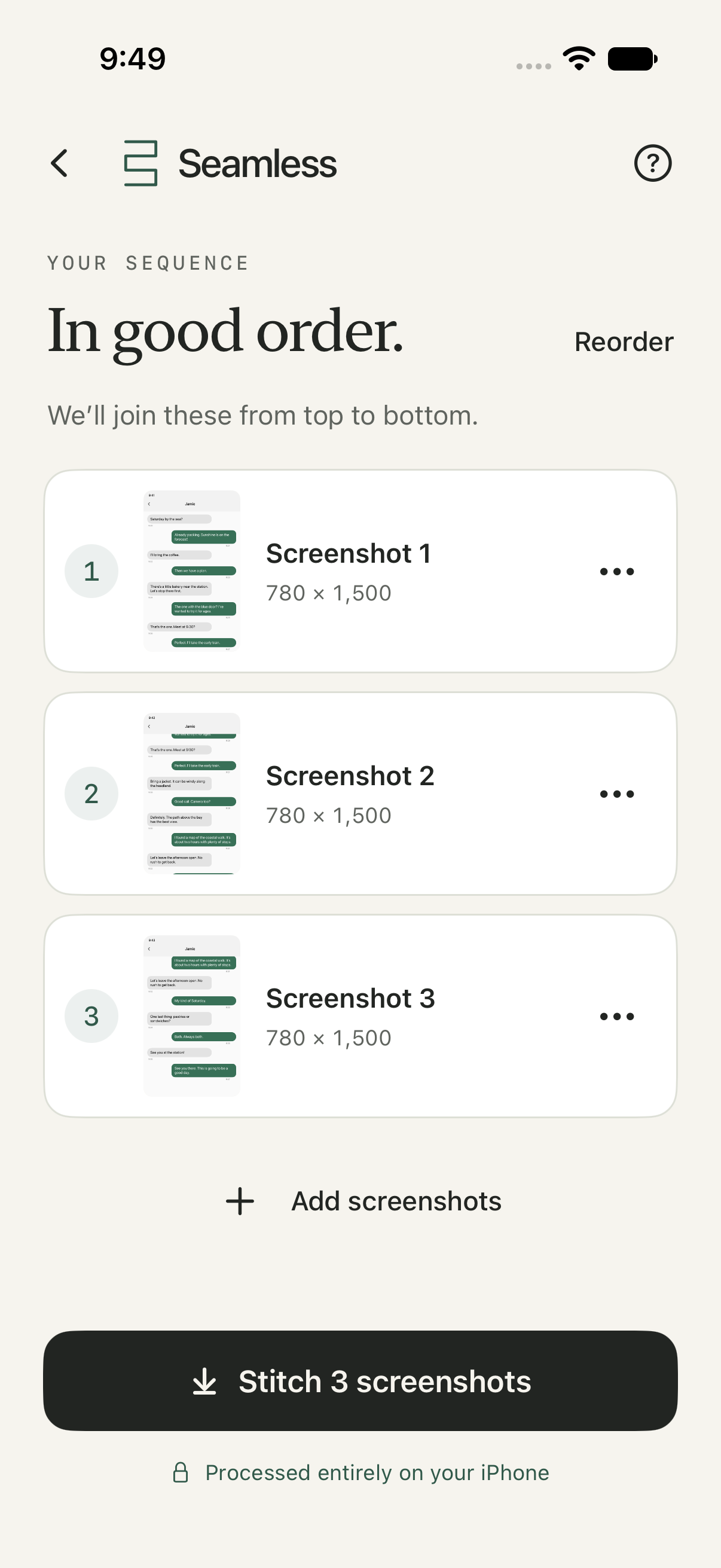
Add, replace, or remove a screenshot, then review the order before you stitch.
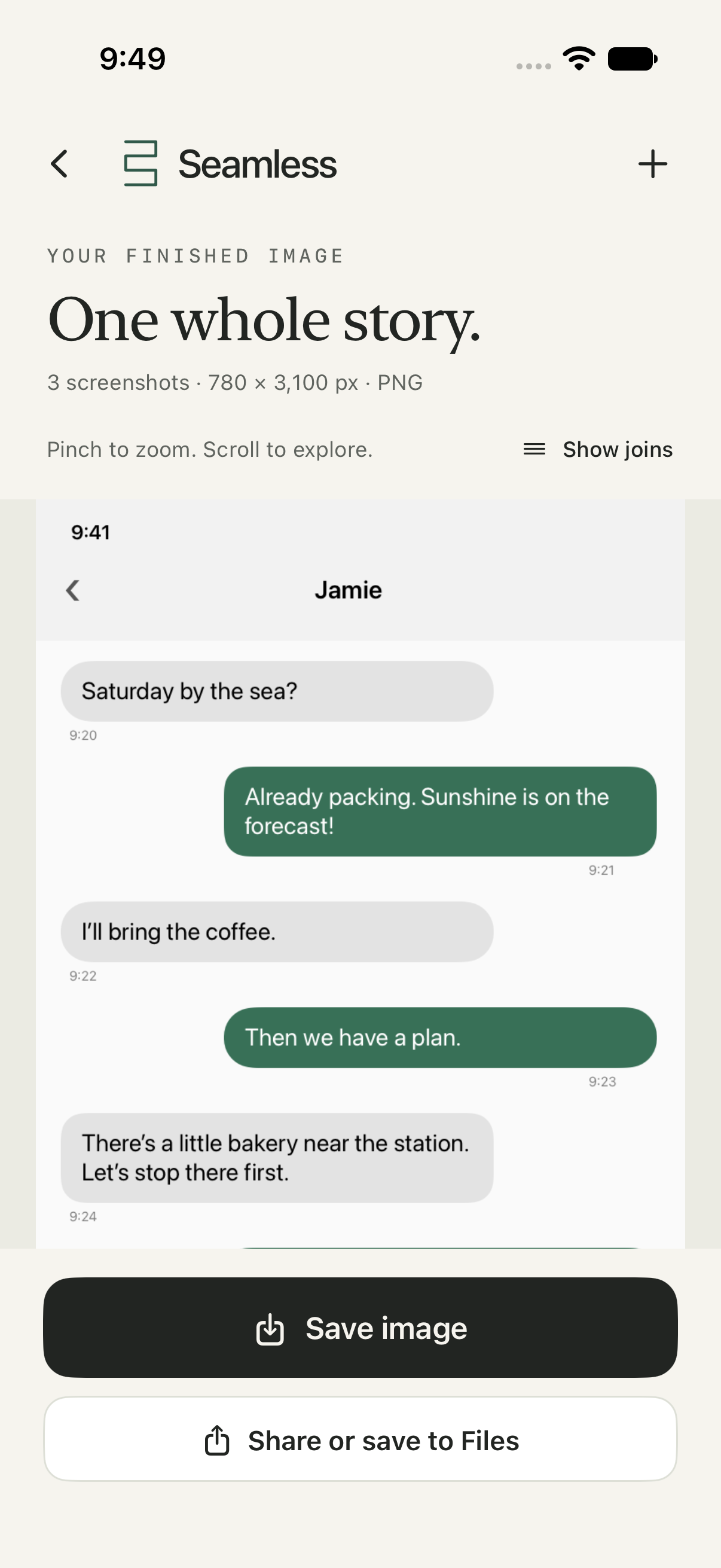
Inspect the result at full resolution, then save or share one continuous image.
Thoughtful where it counts
Seamless keeps the original image width and exports a PNG. No blending or recoloring your content. Your source screenshots stay unchanged.
An uncertain match stops the stitch. Adjust your screenshots or choose to preview the successfully joined beginning. Nothing is silently skipped.
Pinch to zoom and reveal the join markers in the preview. Those markers stay out of your exported image.
Explore the built-in example before selecting any photos. See the complete flow, from an ordered sequence to a finished image.
Private by design
The stitching happens on your device.
Apple’s photo picker may retrieve originals from iCloud. Photos, Files, and sharing destinations may sync or upload images according to your settings. The content visible in your screenshots remains in the image you share.
Good questions
Use a sequence of overlapping screenshots from the same conversation, page, or other scrolling content. Keep the image width and zoom consistent, leave a clear overlap, and arrange them from top to bottom. Heavily cropped or unrelated images may not join.
Seamless stops at an uncertain or incompatible join. You can change the selection or, when at least two images have joined successfully, choose to preview that continuous beginning. Review the result before saving; no missing content is generated.
Select 2–20 screenshots per stitch. Very large images or unusually tall results can exceed processing limits; use a shorter sequence if prompted.
Seamless is designed for Apple iPhone with iOS 18 or later. App Store availability is coming soon.
Seamless / Coming soon
Screenshot stitching with a little more care. Coming soon for Apple iPhone with iOS 18 or later.
Explore the app preview above.